Audience engagement

Engage attendees. Capture data. Identify intent .

BigMarker gives you a complete toolbox of interactive and data capture tools so you can enrich CRM profiles and identify intent.
—  Recent updates  —

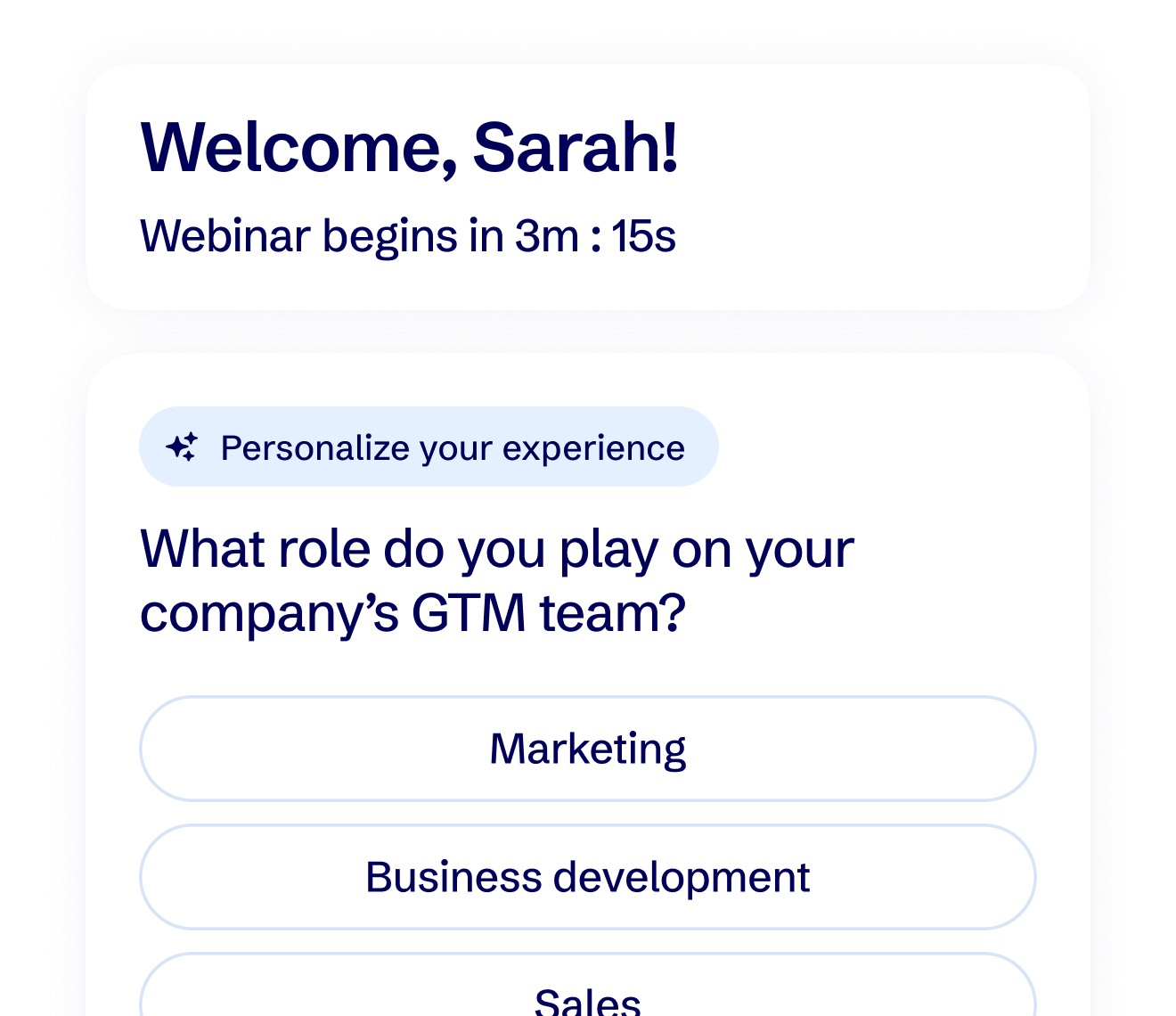
Personalized polls

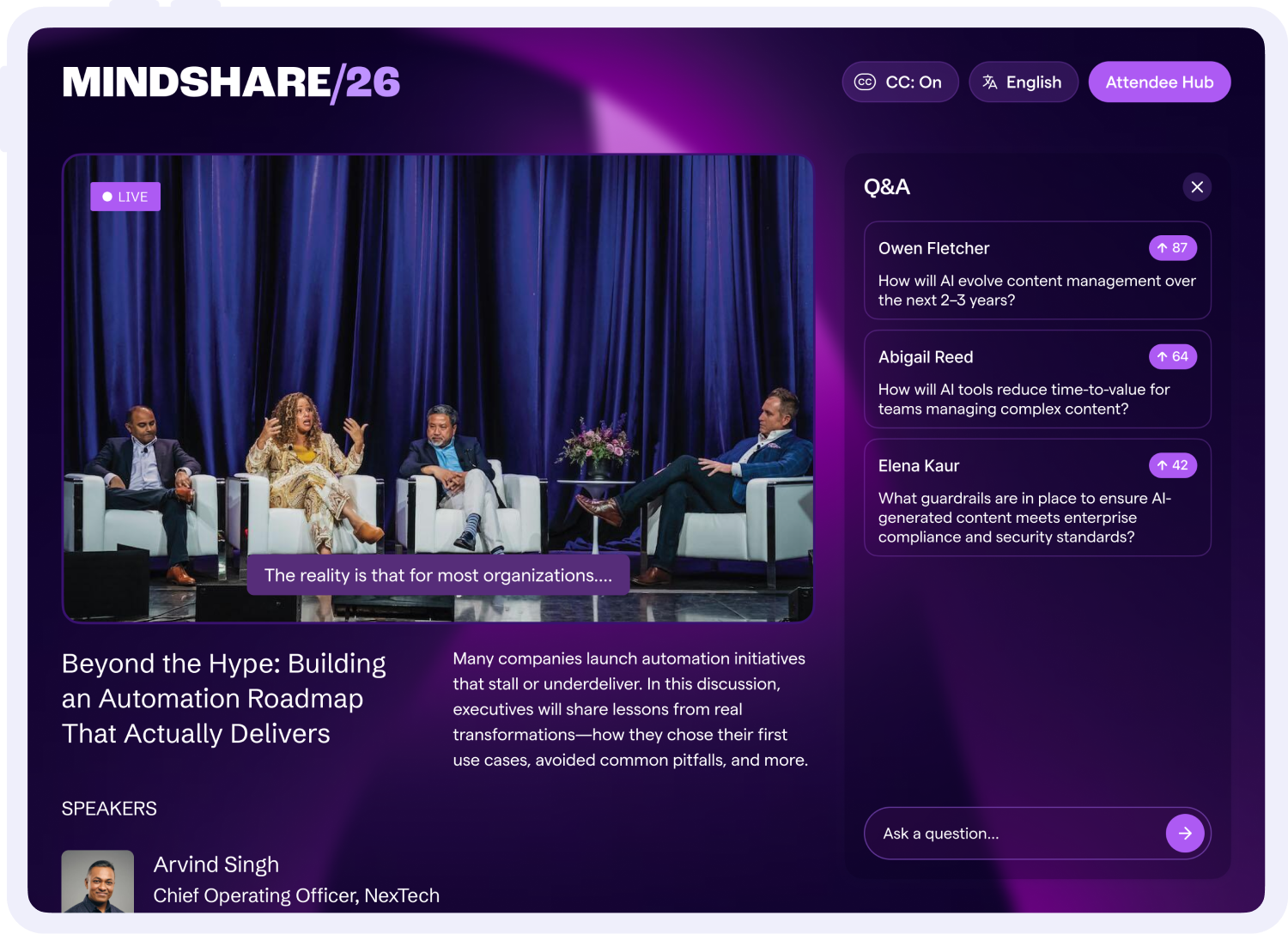
Enable international audiences to view your event live stream while listening in their local language, with support for all major languages.

Personalized CTAs

Create valuable networking experiences for in-person and virtual attendees, connecting attendees with relevant peers based on profile insights.

Personalized surveys

Surface personalized registration fields to different registrants, providing shorter forms that maximize conversion + enrich CRM profiles.
Engagement tools

Drive engagement with interactive tools.

Select the right mix of interactive capabilities to engage your audience and capture data.
Waiting room polls
Warm up your audience and capture preferences to tailor the live experience.
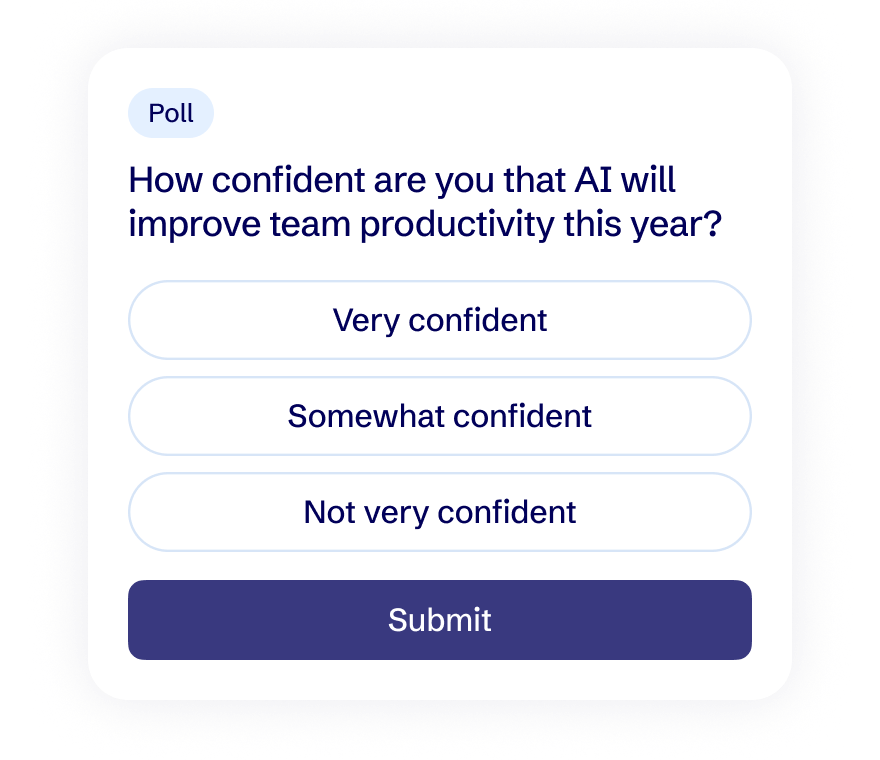
In-session polls
Collect valuable profile and preference data that automatically feeds into your CRM.
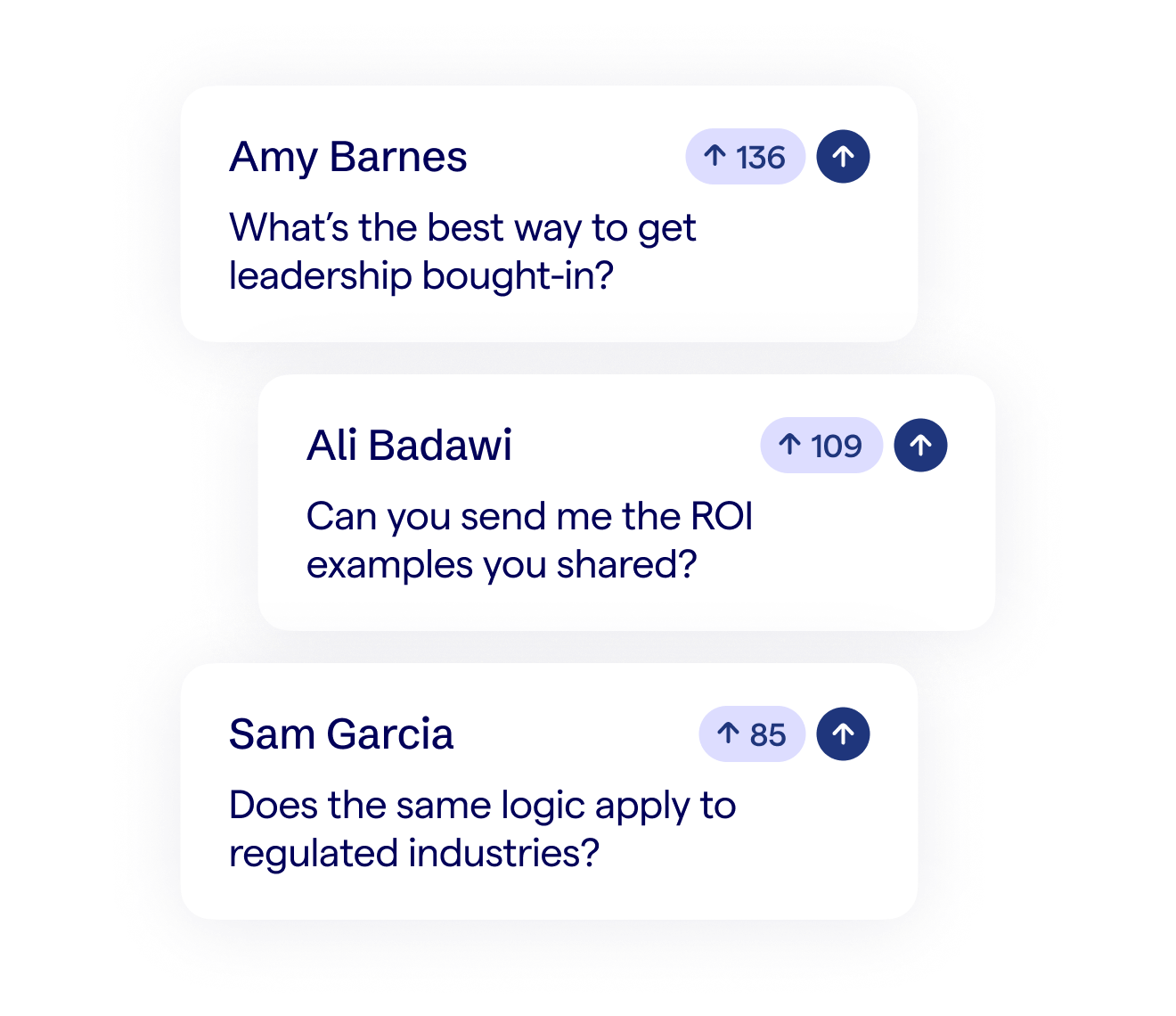
Moderated Q&A
Surface questions and pain points to inform follow-ups, content ideas, and qualification.
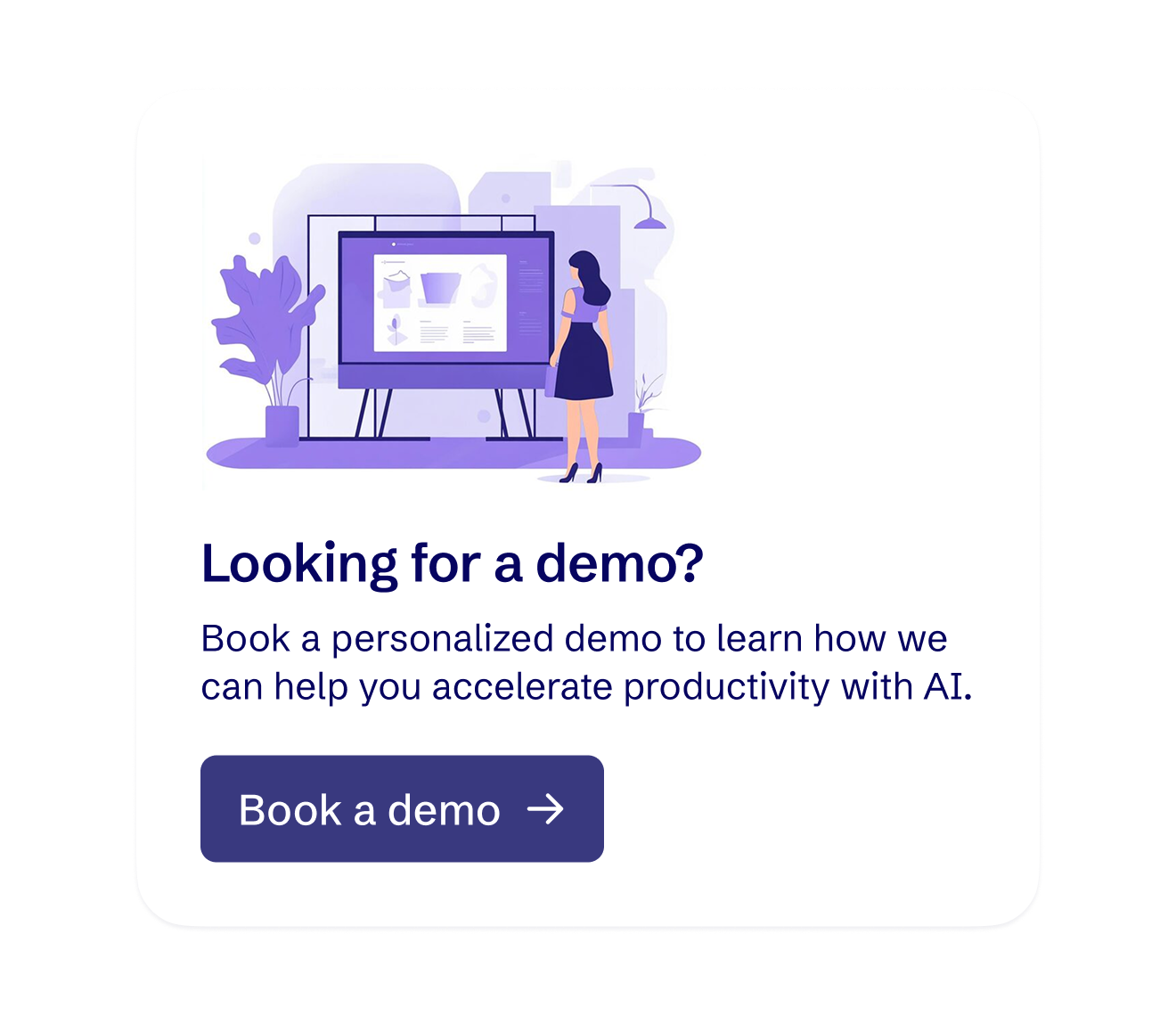
CTAs
Trigger calls to action at precisely the right time to drive attendees to take the next step.
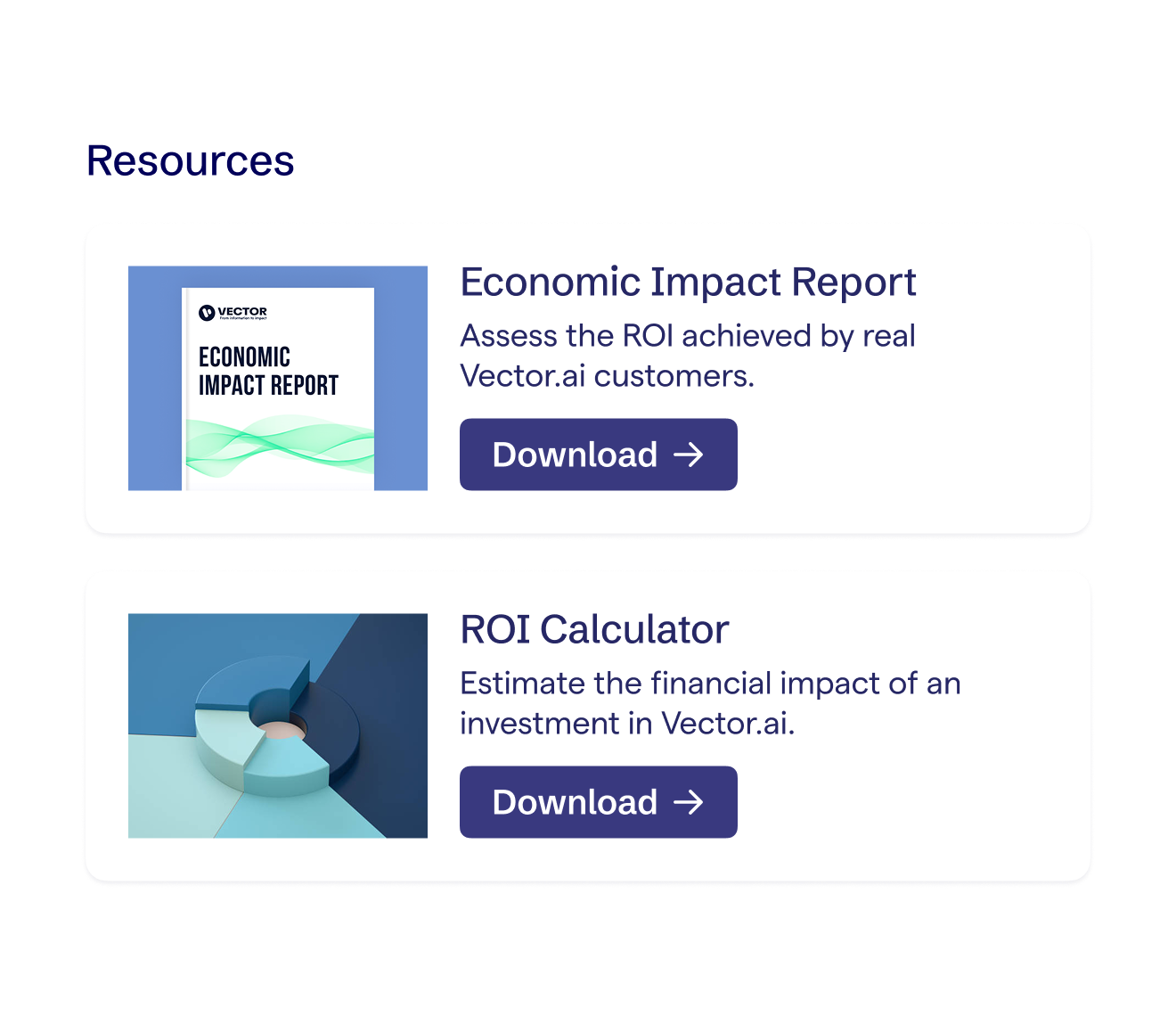
Resources
Drive attendees to view and download eBooks, white papers, guides, and other resources.
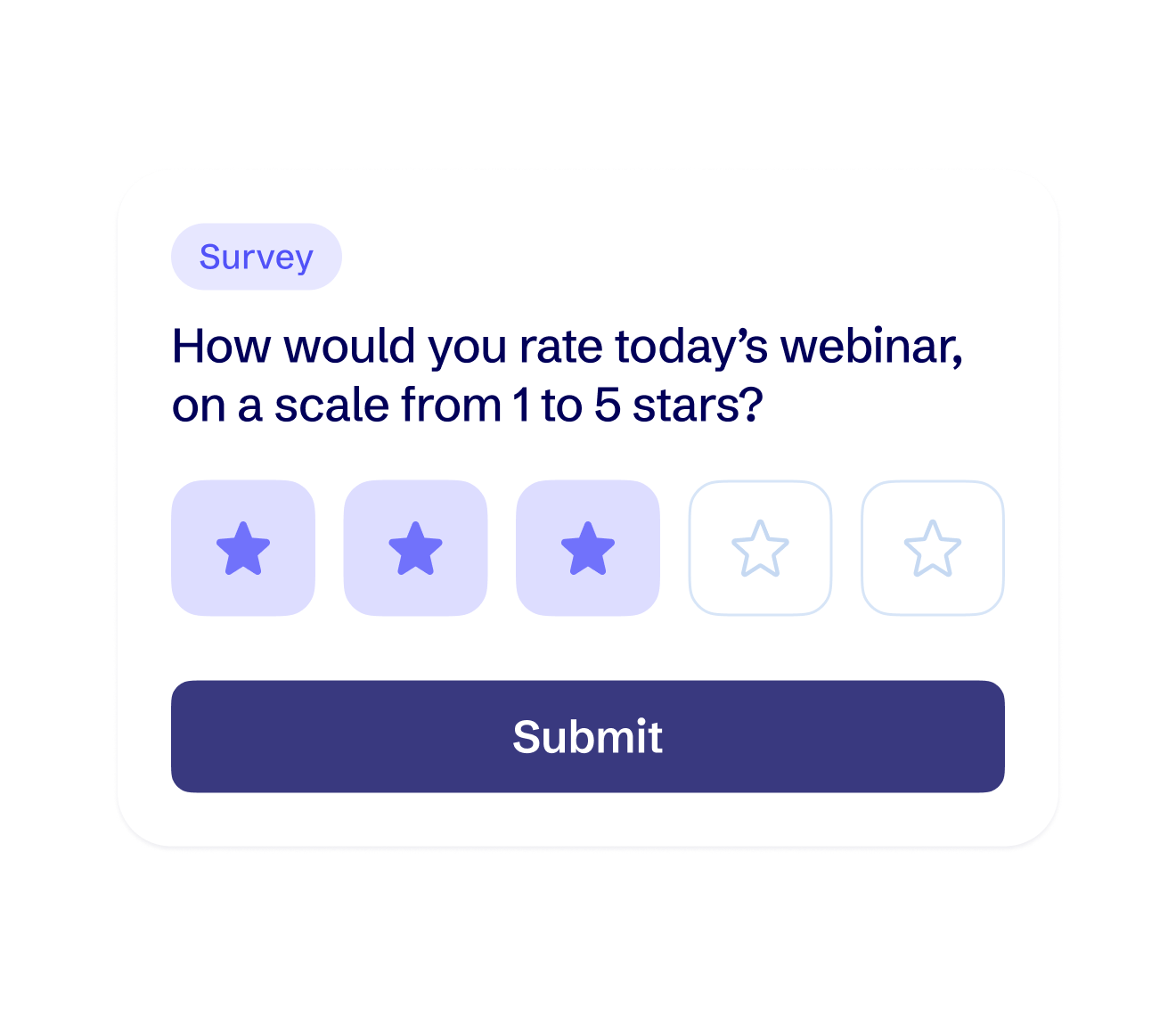
Post-session surveys
Capture feedback around content & presenters, and capture more profile information.
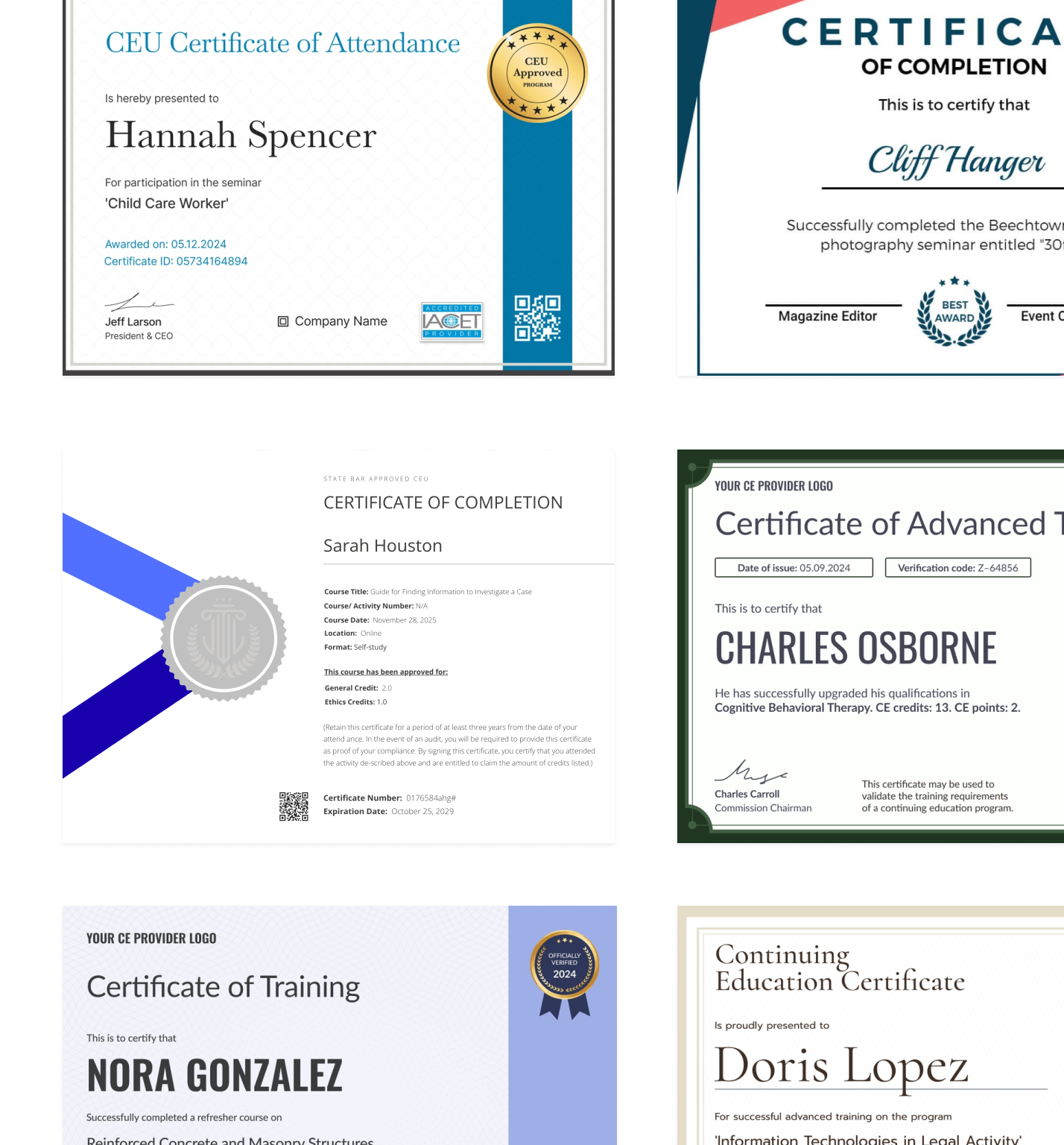
Certificates of completion
Offer certificates of completion as an incentive for people to show-up and participate.

140

%

audience engagement lift

35

%

in-webinar CTA conversion rate

84

%

audience engagement rate
Identify intent

Identify intent signals from engagement data.

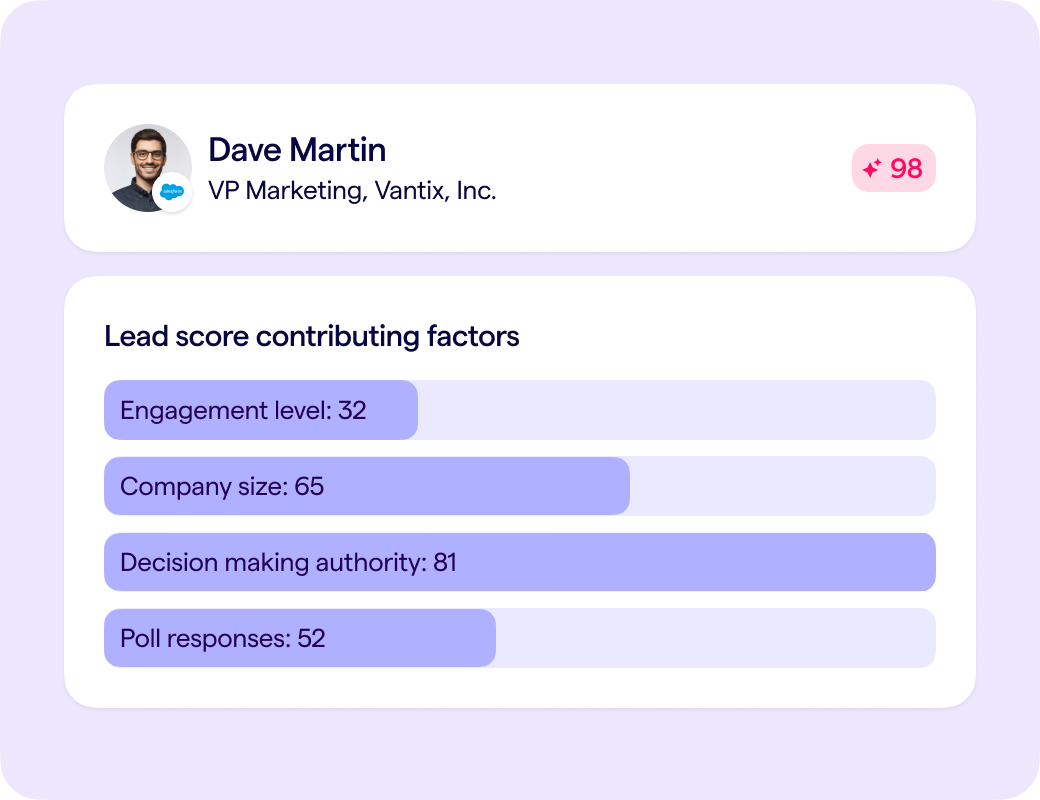
Every attendee interaction is tracked, and if you opt into BigMarker AI, also analyzed by AI-powered lead scoring, so you can identify intent signals to optimize follow-up and next steps.

Identify intent from polls, chats, Q&A and more

Every question asked and every attendee response is tracked to inform buyer journey analysis.

Personalize CTAs & follow-ups based on intent

Serve different CTAs and follow-up emails to different attendees based on where they are in the buyer journey.
FAQ

How does moderated Q&A work?
BigMarker’s live Q&A is fully moderated, allowing hosts to approve, dismiss, or prioritize questions before they're published. Questions can also be answered live, answered in writing, or marked for follow-up. You can also turn on a feature to enable attendees to upvote published questions.
How do live polls work during a webinar or virtual event?
Hosts can launch polls in real time or schedule them in advance. Attendees respond instantly, and results can be shown live on screen or kept private. Poll responses are captured at the individual level for post-event reporting and follow-up.
Can attendees download resources or handouts during the event?
Yes. Hosts can share downloadable resources—such as PDFs, slides, or links—directly inside the event interface. These can be released at specific moments or made available throughout the session.
What are CTAs and how are they used?
CTAs (Calls-to-Action) are clickable prompts shown to attendees during or after a session. They can be available during the duration of the session, or hosts can trigger them at a precise time. CTAs commonly drive actions such as booking a demo, registering for another event, downloading content, or visiting a landing page—without disrupting the presentation.
How do breakout rooms work on BigMarker?
Breakout rooms allow hosts to split attendees into smaller groups for discussions, workshops, or networking. Hosts can assign rooms manually or automatically and bring everyone back to the main session at any time.

Take your webinars and events to the next level.

Book a demo to see why the world’s most innovative companies and organizations partner with BigMarker.